
Description
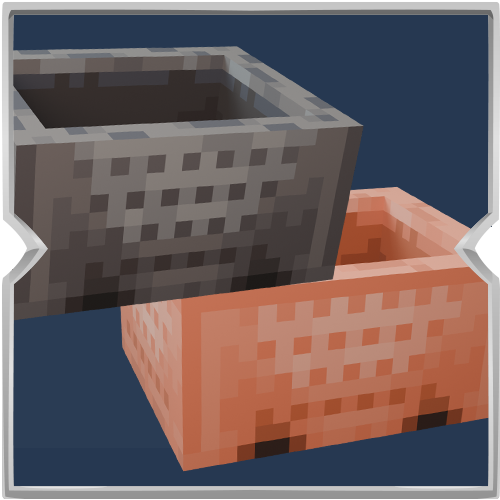
Minecarts Plus brings four new minecarts to Minecraft Bedrock Edition. Each one looks like the classic minecart, but is made from a different metal and travels at a different speed.

Copper Minecart moves at the same speed as a normal iron minecart. Gold Minecart is twice as fast. Diamond Minecart is three times as fast. Netherite Minecart is four and a half times as fast.
Craft them the same way you craft a regular minecart, using a U shape on the crafting table. Use copper ingots for Copper, gold ingots for Gold, diamonds for Diamond, and netherite ingots for Netherite.
Place them on rails just like a normal minecart, ride them, and break them to pick them back up. They are great for longer rail lines when you want faster travel without changing how minecarts feel.
How to install on Minecraft Bedrock
- Download the MinecartsPlus.mcaddon file.
- Open the file. Minecraft should launch and import the packs automatically.
- Create a world or edit an existing world.
- Turn on the Behavior Pack and the Resource Pack for Minecarts Plus.
- Make sure both packs are active together.
- Load the world and craft your new minecarts.
If the file does not open by itself, move it into your Minecraft resource or behavior packs folder, then enable both packs in the world settings.