
Description
More Sulfur Cubes adds cute bouncing cube creatures to your Minecraft world. They hop around like slime cubes and bring a fresh new creature style to survival and creative play.

You can transform a Sulfur Cube by using certain items on it. Each item creates a different Sulfur variant with its own look and ability.
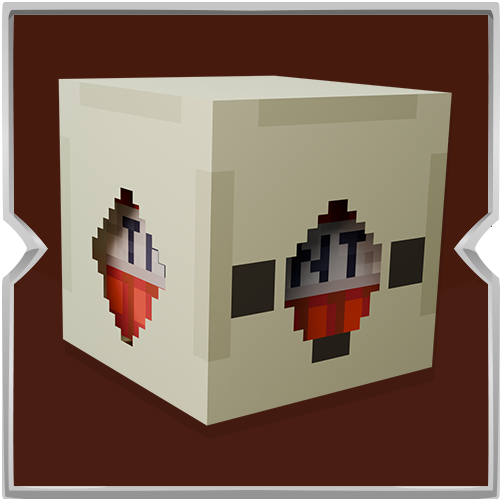
Use TNT to create TNT Sulfur, which can explode when defeated. Use a Chest to create Chest Sulfur, a mobile cube you can store items inside. Use Cobblestone or Stone to create Cobblestone Sulfur, a tougher cube that drops cobblestone. Use Glowstone to create Glowstone Sulfur, a glowing cube that lights up the area around it. Use Slime to create Slime Sulfur, a bouncy cube with strong knockback. Use a Target block to create Target Sulfur for another unique look.
Each variant has its own appearance, sounds, and bounce effects, making exploration and combat more exciting. You can also use a spawn egg to place Sulfur Cubes in your world whenever you want.
This addon is perfect for players who enjoy new mobs, creative experiments, and fun survival features.
Installation
- Download the more_sulfur_cubes.mcaddon file.
- Open the file with Minecraft.
- Wait for the import to finish.
- Create a new world or edit an existing world.
- Open Behavior Packs and Resource Packs, then activate the More Sulfur Cubes packs.
- Start the world and enjoy the addon.